Can You Download Discord On PS4 Available Options And Setup Alternatives
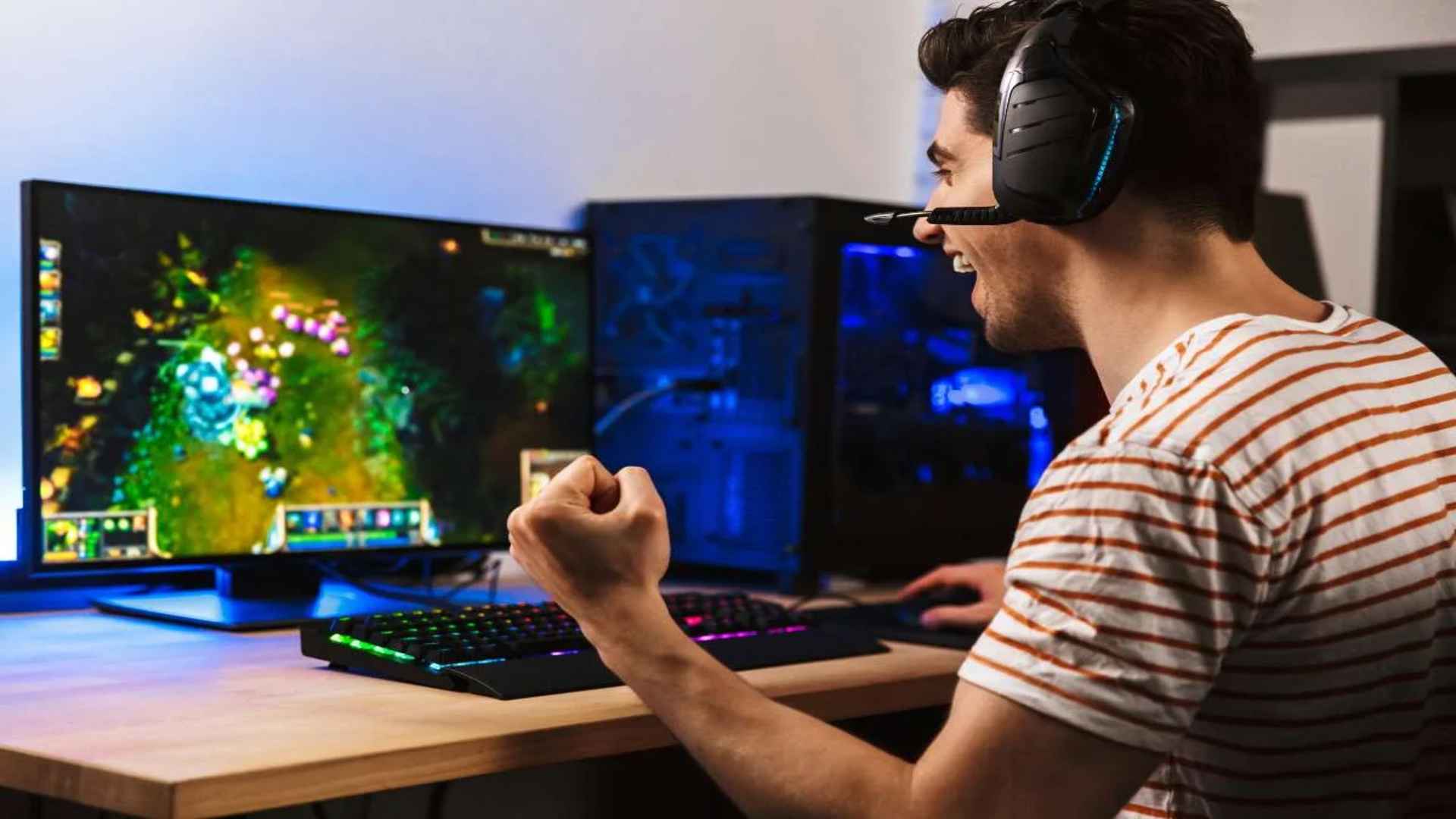
Staying connected with friends during multiplayer gaming sessions is essential for modern console players. As Discord continues to be the primary platform for voice chat across PC and mobile devices, PlayStation users often wonder how they can access the application on their hardware. Understanding the current status of Discord integration on the PS4 helps clear up confusion regarding app downloads and voice channel capabilities.
Is the Dedicated Discord App Available on PS4?
Despite Sony establishing a official partnership with Discord, there is no standalone Discord app available to download on the PlayStation 4 system store. PlayStation 5 users enjoy deeper integration that permits direct voice channel transfers, but the PS4 ecosystem receives limited account linking options. Players cannot install the application to communicate directly through native software background processes.
You can still link your PlayStation Network profile to your Discord account inside the application's integration settings. Doing so displays your active PS4 game status and online presence directly to your friends list. Players following daily gaming news often rely on this features feature to keep their gaming communities informed of their current titles.
Using Account Integration and Activity Status
Linking your accounts allows your Discord profile to automatically broadcast what PlayStation 4 game you are currently running. This integration displays your online ID and playing history to server members across desktop and mobile versions. While it enhances community interaction, it does not enable audio transmission directly through the console hardware.
To set up this feature, open your Discord user settings on a mobile device or PC and navigate to the Connections tab. Select the PlayStation Network icon, log in using your Sony credentials, and grant authorization for presence sharing. Once authorized, your PS4 activity will update dynamically whenever you launch a supported title.
Alternative Setup Options for PS4 Voice Chat
Gamers seeking to chat on Discord while taking advantage of PS4 game audio must utilize hardware workarounds. The most straightforward approach involves wearing an open-back headset connected to a mobile device while monitoring game sounds via your TV or console setup. Alternatively, specialized audio mixers and dual-input headsets combine mobile Discord audio with PS4 optical or controller sound outputs simultaneously.
Another common alternative is taking advantage of PlayStation's built-in Party Chat system for friends who remain within the same console family. While this solution does not connect to external Discord servers, it provides low-latency voice communications without extra cables or external hardware. Choosing the right setup ultimately depends on whether cross-platform communication is strictly required for your squad.